Creating a resume that matches a job role is important if you want to increase your chances of getting shortlisted. Many applicants send the same resume for every position and wonder why they do not receive responses. A resume builder platform helps you modify your resume quickly based on the job you are applying for. If you use the features correctly, you can adjust your resume content, structure, and focus without starting from scratch each time. Below, we will discuss how you can customize your resume using a resume builder platform and what steps you should follow.
How Do You Customize Your Resume Using a Resume Builder Platform?
Choose the Right Template
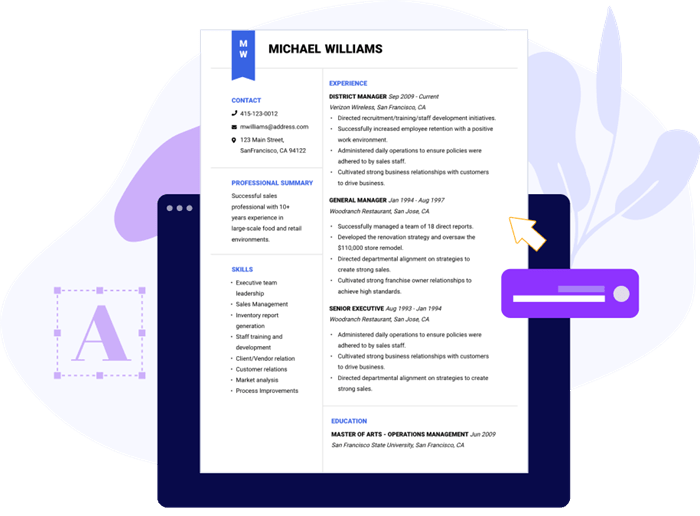
Most resume builder platforms provide multiple templates. These templates vary in layout, font style, and section arrangement. Start by selecting a template that matches your industry. For example, creative roles may allow modern layouts, while technical or corporate roles may require a simple and clean format.
If you are using a cv maker, preview different templates before finalizing one. Choose a layout that keeps your content readable and organized. Avoid designs that make the resume look crowded.
Update the Job Title and Summary
The job title and professional summary are usually placed at the top of the resume. These sections must reflect the role you are applying for. If you are applying for a Software Developer position, mention that clearly in the title. Do not keep a generic heading such as Resume or Curriculum Vitae.
In the summary section, include skills and experience that match the job description. Many resume builder platforms allow you to edit this section easily. Adjust the wording so it aligns with the employer requirements.
Modify Skills Based on the Job Description
One common mistake applicants make is listing all their skills without relevance. A resume builder allows you to add, remove, or rearrange skills quickly. Read the job description carefully. Identify the required skills and add them to your resume if they apply to you. Place the most relevant skills at the top of the list.
If the platform includes skill rating options, use them carefully. Avoid exaggerating your proficiency. Keep the information accurate and consistent.
Adjust Work Experience Points
Your work experience section must match the position you are applying for. Instead of copying the same bullet points for every application, customize them. A resume builder makes this process simple. You can edit existing points or duplicate a role and modify the responsibilities.
Highlight achievements and tasks that are related to the job. For example, if the role requires team leadership, mention instances where you led a project. If the job focuses on technical expertise, describe your technical contributions clearly. Keep the sentences short and direct. Focus on measurable outcomes where possible.
Add or Remove Sections as Needed
Some jobs require additional sections such as certifications, projects, publications, or volunteer work. Others may not need them. A good cv maker allows you to add new sections or remove unnecessary ones. Use this feature based on the job requirements.
For example, if you are applying for an entry level role, you may include academic projects. If you have several years of experience, you can reduce the academic details and give more space to professional achievements.
Conclusion
Customizing your resume using a resume builder platform is a practical way to improve your job applications. Instead of rewriting the entire document each time, you can modify sections based on the job role. By selecting the right template, adjusting your summary, updating skills, refining work experience, and inserting relevant keywords, you can create a focused resume for each position. A cv maker simplifies this process and saves time. If you use its features properly, you can present your qualifications clearly and increase your chances of getting shortlisted.
 Business In Solutions